
The world's compute, available in your terminal
The Shadeform CLI lets you access GPU and CPU instances across 30+ clouds in your terminal. Find, launch, and manage compute from the command line, in your scripts and pipelines, or through your agents.











One tool for every workflow


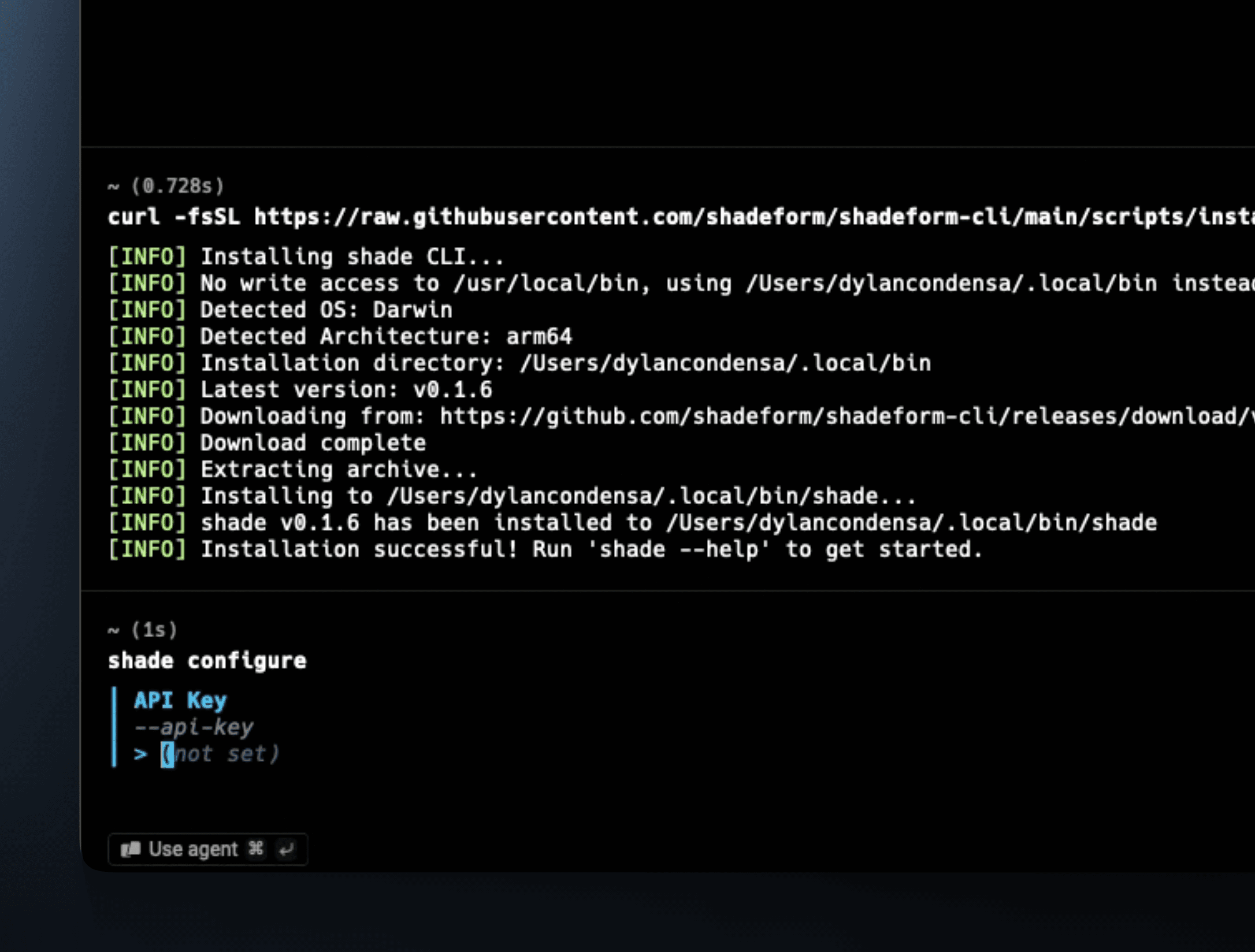
Up and running in two commands
Install Shadeform CLI, sign in with your API key, and every cloud on Shadeform is a command away.
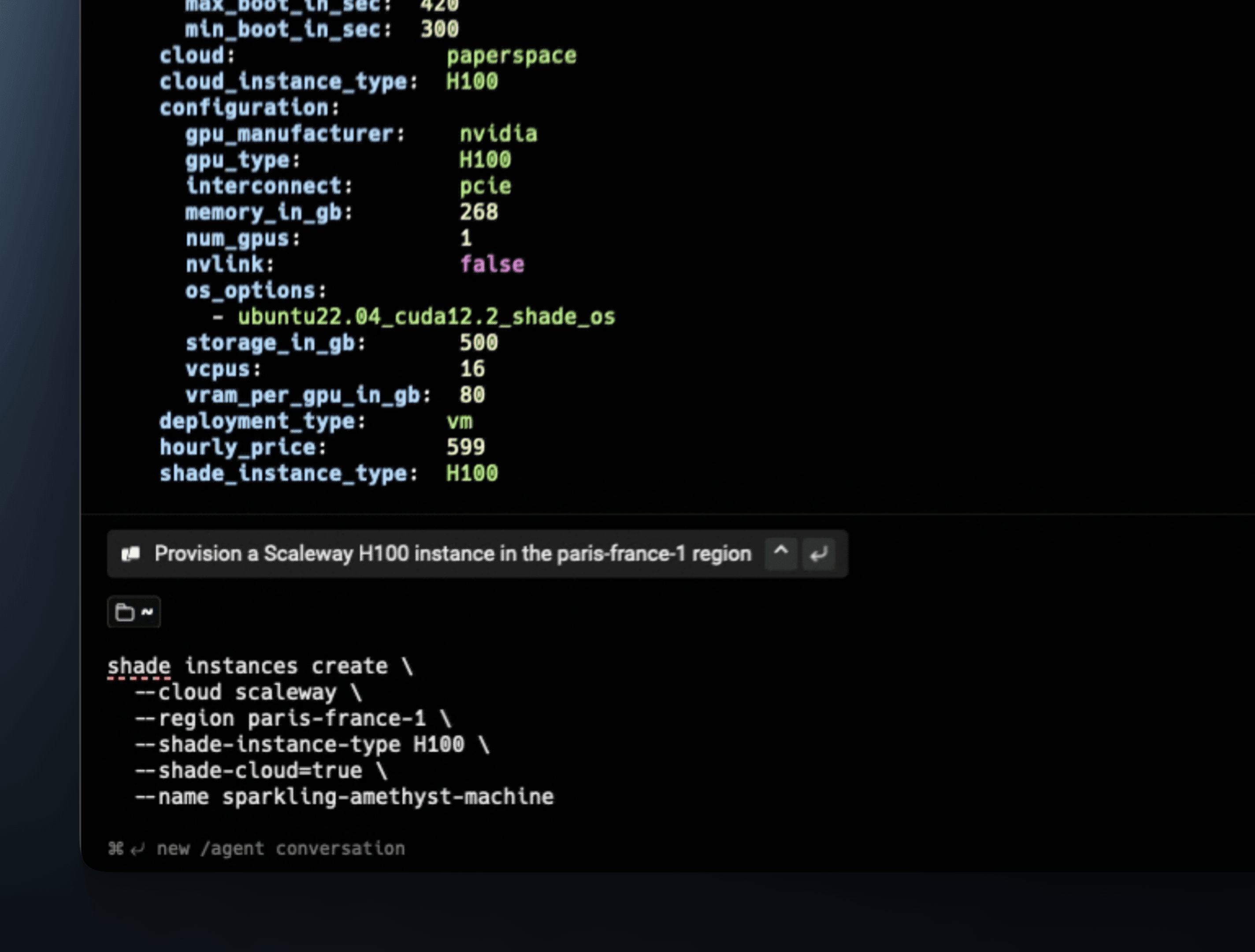
Compare and launch from one place
List instances across providers sorted by price, then launch the one you want: on-demand or Spot, GPU or CPU.
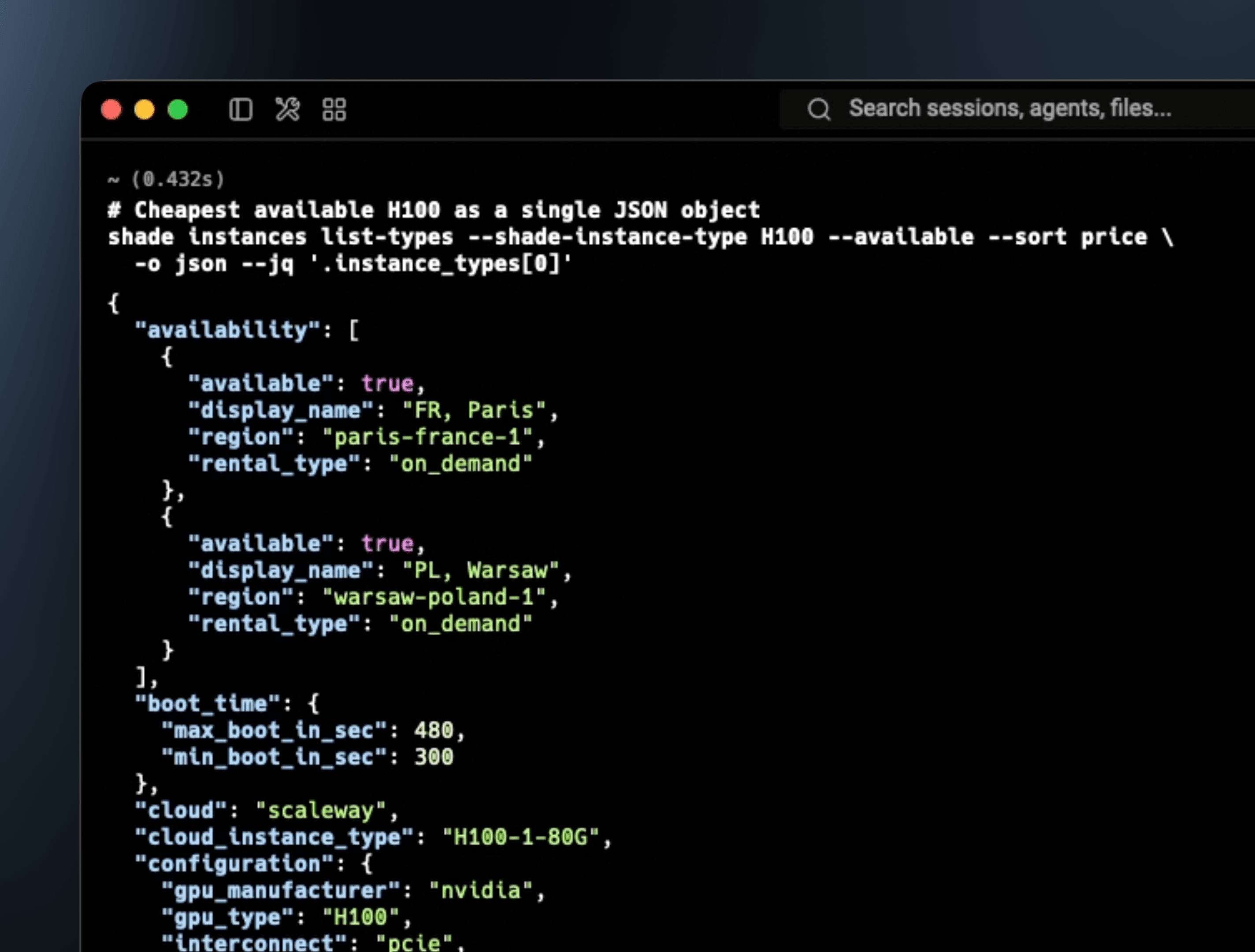
Built for automation
Every Shadeform CLI command can return structured JSON, ready for scripts, CI pipelines and AI agents.
Install the CLI
The world's compute in your terminal
Search, compare, launch and manage GPU instances from our cloud network.
Questions about Shadeform CLI?
Shadeform CLI is the command-line interface to Shadeform. It lets you find, launch and manage GPU and CPU instances across 30+ clouds from your terminal, scripts and pipelines.
Install Shadeform CLI with the command above, then sign in with your Shadeform API key.
Search and compare instances across providers, launch on-demand or Spot capacity, check status and shut instances down, with structured JSON output for automation.
Both give you programmatic access to Shadeform. Shadeform CLI is built for terminals, scripts and CI. Shadeform MCP Server is built for AI agents that speak the Model Context Protocol.
No. Shadeform CLI is included with your account. You pay only for the compute you launch.
